Clawraid
Manual target mode
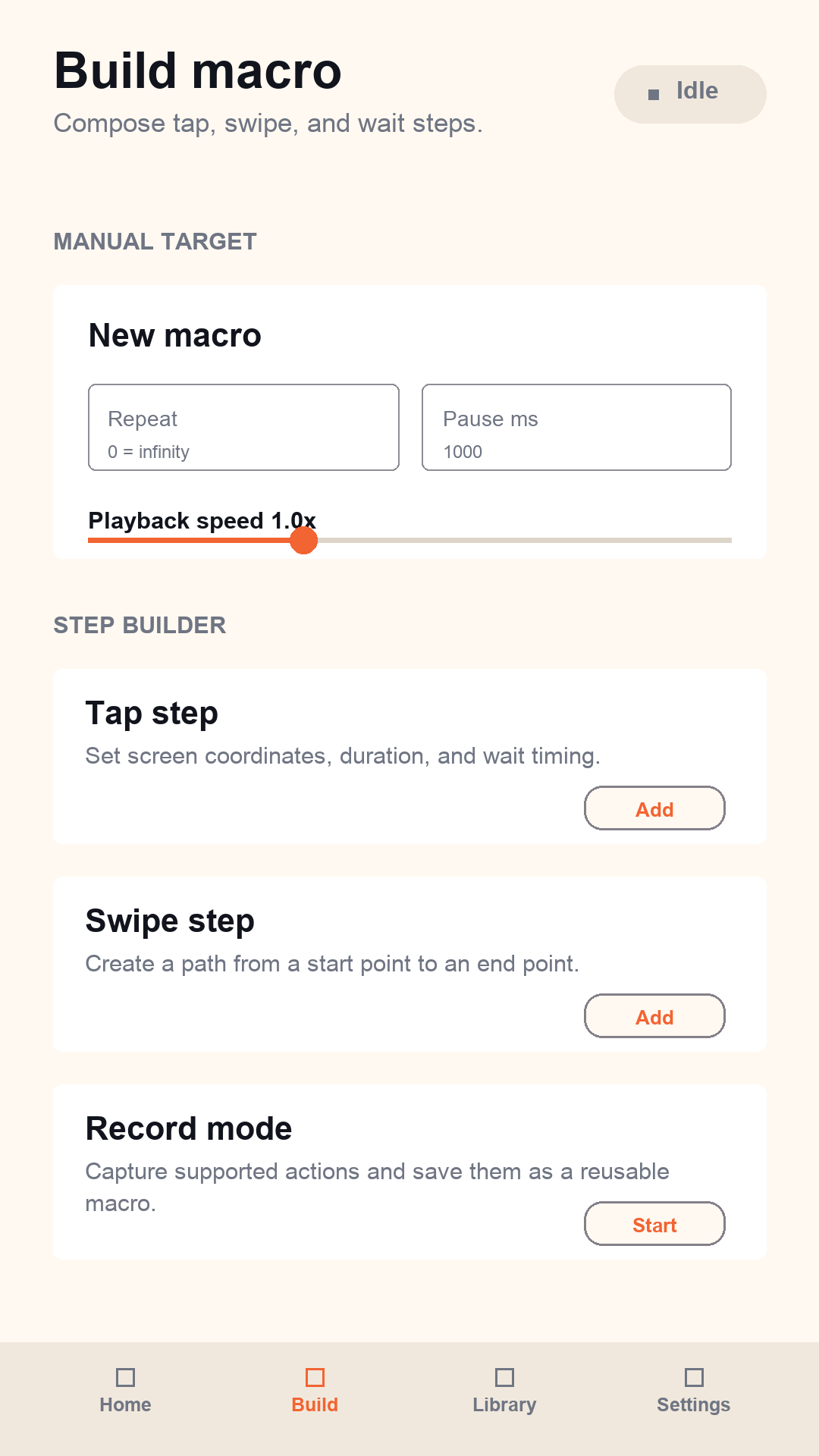
Create tap, swipe, and wait steps with normalized screen coordinates, timing, playback speed, and repeat controls.
Clawraid is a local Android macro builder for user-created tap, swipe, wait, and recording workflows. Build a sequence, run it, stop it anytime.
No target-specific scripts. No account required. Macro data is stored locally on your device.
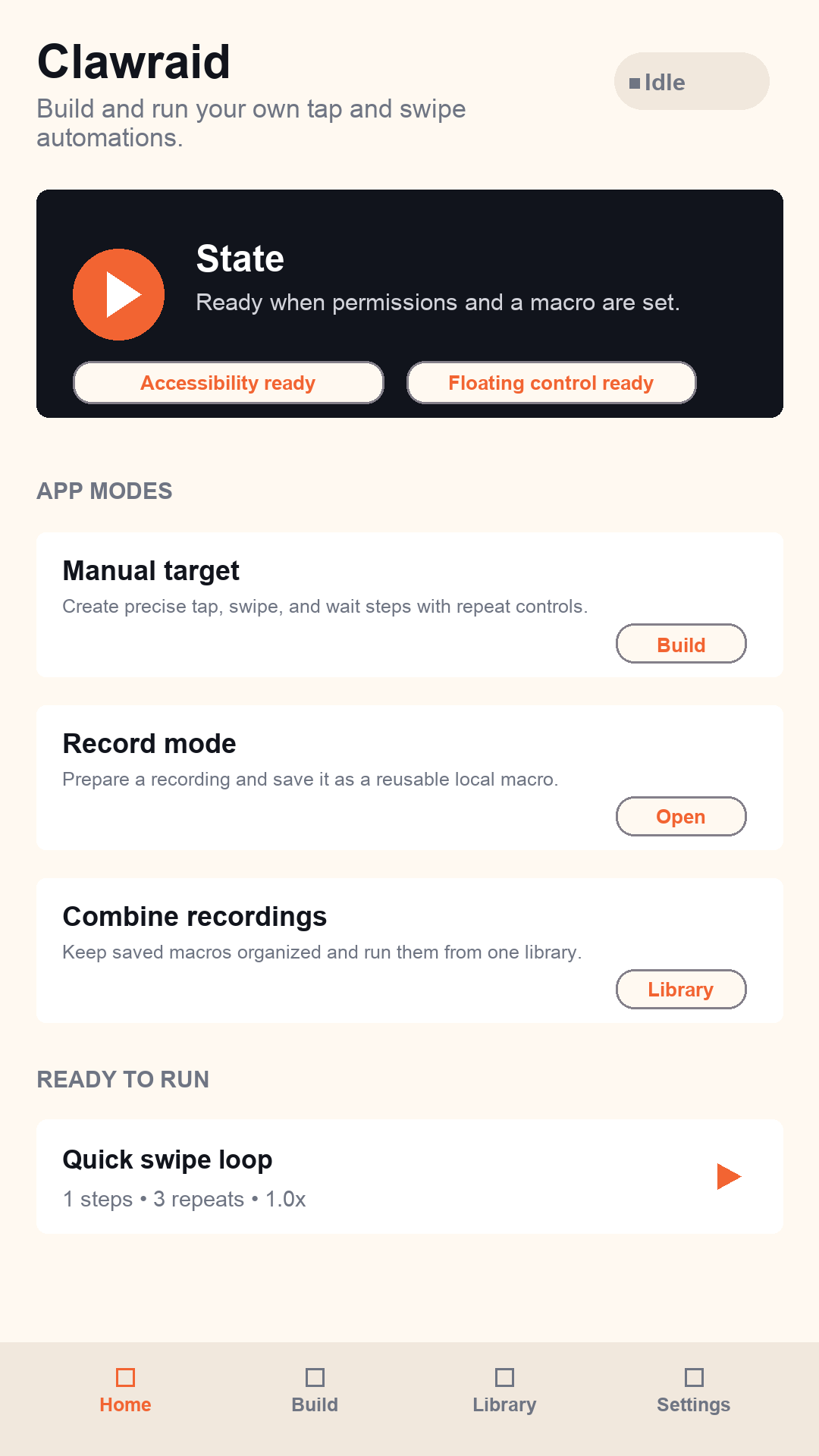
Clawraid is designed for people who want reusable phone macros without a cloud account or a complicated workspace.
Create tap, swipe, and wait steps with normalized screen coordinates, timing, playback speed, and repeat controls.
Capture supported actions through Android Accessibility and save them as local reusable macros.
Set repeat count to 0 to run until you stop it. Use positive repeat counts for exact finite runs.
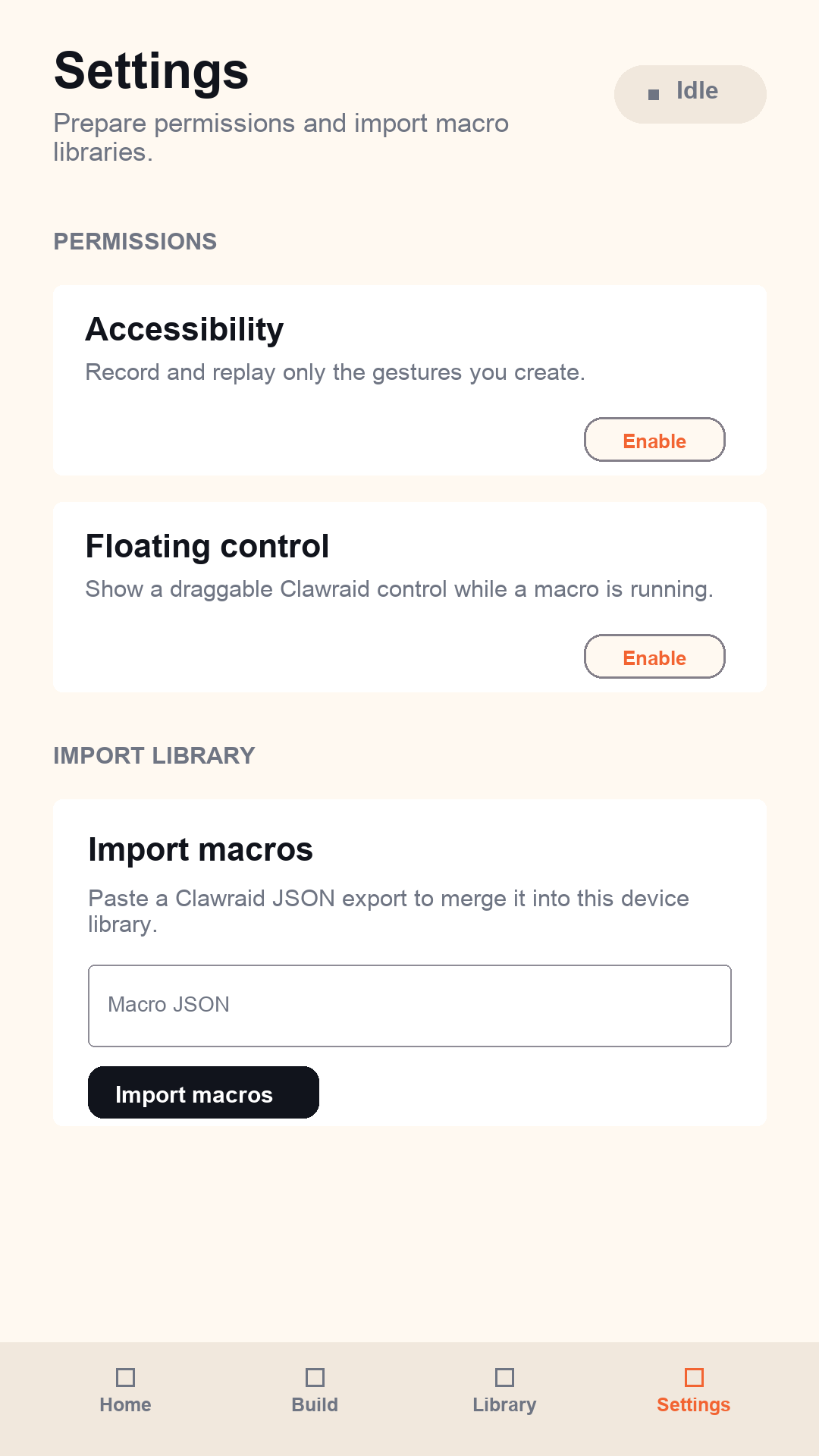
The optional floating control sits over other apps while a macro is running. Open the menu to stop playback, return to Clawraid, jump to settings, or hide the control for the current run.
Clawraid requests special Android permissions only for the macro features you choose to enable.
Used to record and replay user-created gestures after you enable the service in Android settings.
Used to show the draggable floating control while a macro is running.
Macro libraries are stored in encrypted app storage on your device. Clawraid does not require an account.
The app keeps macro building, recording, saved libraries, and permissions in clear separate areas.